5 Steps How to Migrate Your Website with Zero Downtime (Easy Guide for Entrepreneurs)
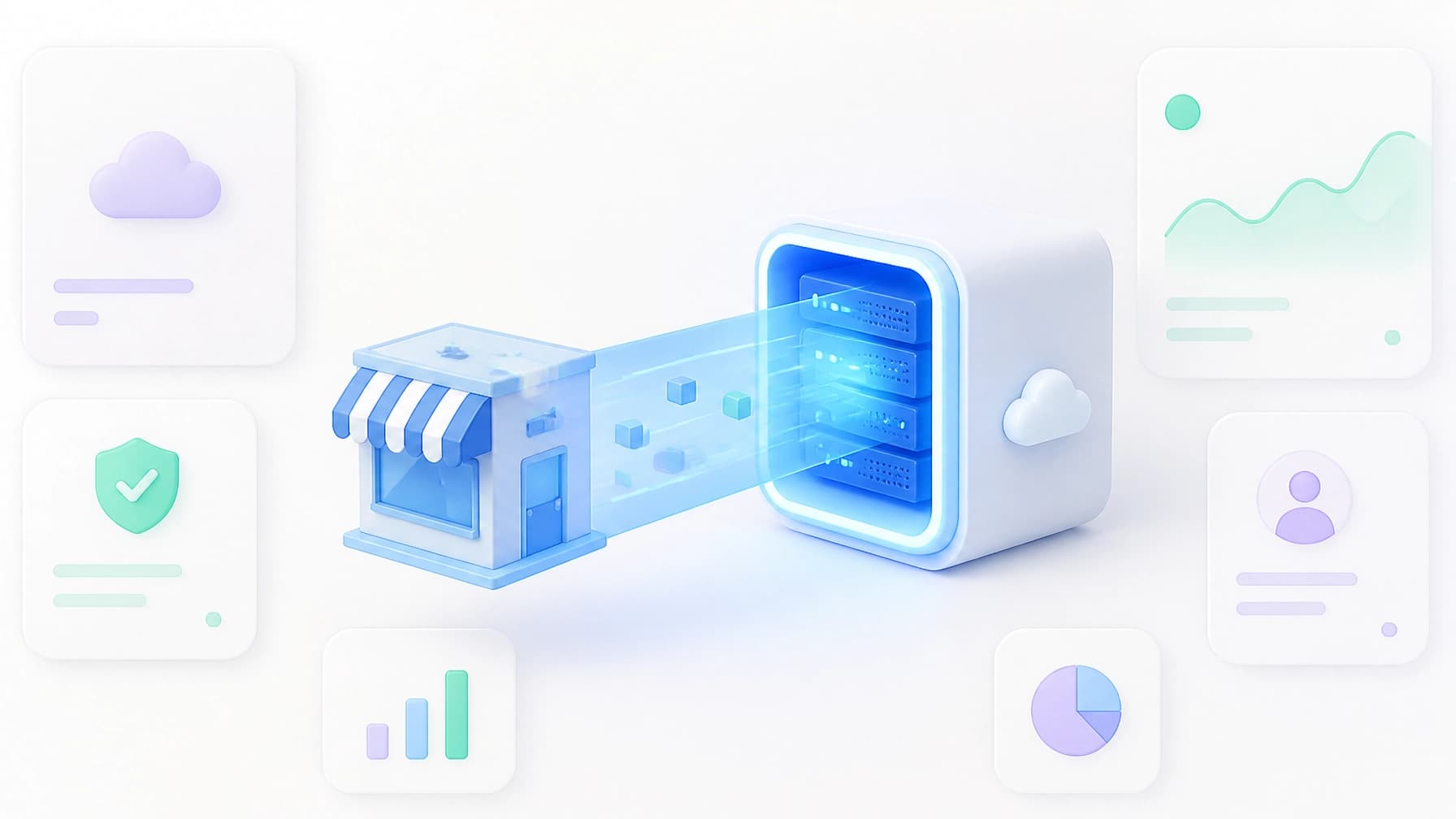
Moving your website doesn’t have to mean losing customers. In this guide, we break down the 5-step process our team uses to migrate sites with zero downtime. You can switch hosts without the stress, guesswork, or disruption.
Moving your business to a new office is a headache. You’ve got boxes, movers, and that one desk that never fits through the door. But moving your website? That can feel even scarier.
For most entrepreneurs, the biggest fear isn't the move itself, it’s the downtime. Every minute your site is "under maintenance" is a minute a customer can’t buy from you or book your services.
At SERVERIZZ, we specialize in a zero downtime website migration. We think "moving day" should be the most boring day of your life. That’s why we’ve broken down exactly how a professional website migration service works, and why we do the heavy lifting for you.
Why "Zero Downtime" Matters
If your site goes dark during a move, you don't just lose sales. You lose trust. Google also notices when a site disappears, which can hurt your hard-earned SEO rankings.
The goal of a perfect migration is simple: Visitors should never know you moved.
Here is our 5-step field guide to making that happen.
Step 1: The Pre-Move Inventory
Before we touch a single file, we need to know what we’re moving. Think of this as the "labeling the boxes" phase.
Most business owners don’t realize how much is connected to their website. We look at:
- Your Platform: Is it WordPress, a custom Python app, or Node.js?
- Your Email: Are your emails hosted with your site, or do you use something like Google Workspace?
- Your Security: We check your SSL certificates so the "padlock" stays on.
- Your Records: We take a snapshot of your DNS (the digital phonebook that points people to your site).
The SERVERIZZ Way: You don't have to hunt for these details. Your dedicated account manager handles the audit for you. We find the "boxes" so you don't have to.

Step 2: The Migration (The Heavy Lifting)
Once we have the map, we start the move. This involves copying every file, image, and database from your old host to your new SERVERIZZ account.
Crucially, we do not turn off your old site.
While the data is copying, your website stays live on your old server. Customers are still browsing and buying. We essentially build a "shadow" version of your site on our servers that is a perfect 1-to-1 copy.
Step 3: The Safety Net (Testing)
This is where most DIY moves go wrong. You shouldn't just flip a switch and hope it works.
We use a special "preview" link to look at your site on its new home before the rest of the world sees it. We check:
- Do the contact forms still send emails?
- Does the "Buy Now" button still work?
- Are there any broken images?
No jargon, just checks. If something looks off, we fix it in the background while your old site is still running perfectly.

Step 4: The Final Sync
If you run an e-commerce store or a blog, your site is "alive." People are leaving comments or placing orders while we’re moving.
Just before we make the final switch, we do a "Final Sync." This grabs any last-minute data that happened during the move. This ensures that when the new site goes live, it’s not missing a single order or customer detail. It's the "freshness guarantee" of a professional managed web hosting for small business.
Step 5: The DNS Switch (The Magic Trick)
This is the final step. We tell the internet, "Hey, this website has a new address."
Because we’ve already tested the site and synced the data, this transition is instant. We lower the "TTL" (Time To Live) on your records, which is a technical way of saying we tell the internet to check for updates every few minutes instead of every few hours.
The result? A seamless handoff. One second a visitor is on the old server; the next, they are on our lightning-fast Managed Hosting platform.

DIY vs. SERVERIZZ: Which Is Right for You?
| Feature | The DIY Route | The SERVERIZZ Route |
|---|---|---|
| Technical Skill | You need to know FTP, SQL, and DNS. | Zero technical skill required. |
| Time | 4-8 hours of troubleshooting. | 0 hours. We do it while you work. |
| Risk | High (Possible downtime/data loss). | Zero (We guarantee no downtime). |
| Cost | "Free," but your time is expensive. | Free. Included in all our plans. |
Practical Guide: What You Need to Do
If you’re ready to move to a more reliable home, here is your "Field Note" on how to get started:
- Pick a Plan: Choose between our Entrepreneur or Engineer tiers.
- Say Hello: You'll be assigned a real person as your account manager.
- Hand Over the Keys: Give us the login to your old host.
- Sit Back: We’ll tell you when the move is done.
That’s it. No complicated migration plugins, no scary error messages, and absolutely no downtime.
We Handle the Tech, You Handle the Business
We started SERVERIZZ because we saw too many small business owners struggling with "technical debt." You shouldn't have to be a server expert to have a fast, secure website.
Our zero downtime website migration is just the beginning. Once you’re on our platform, we handle the daily backups, security scanning, and updates. You get one person to call whenever you have a question. No support tickets, no generic queues. Just real help.

Ready to make the move? Let us migrate your site for free today.